


❓ 问题描述 / Question Description
您的问题 / Your Question:
清晰地描述您想要了解的问题。
问题类型 / Question Type:
- 🚀 安装和配置 / Installation & Configuration 🔧 使用方法 / Usage Instructions 🤖 LLM配置 / LLM Configuration 📊 数据源设置 / Data Source Setup 🐳 Docker部署 / Docker Deployment 🔍 功能理解 / Feature Understanding 💡 最佳实践 / Best Practices 🔄 故障排除 / Troubleshooting 其他 / Other: ___________
To pick up a draggable item, press the space bar.
While dragging, use the arrow keys to move the item.
Press space again to drop the item in its new position, or press escape to cancel.
🎯 具体场景 / Specific Scenario
使用场景 / Use Case:
描述您想要实现的具体场景或目标。
当前状态 / Current Status:
描述您目前的进展和遇到的困难。
🔧 环境信息 / Environment Info
系统环境 / System:
- 操作系统 / OS: [Windows/macOS/Linux]
- Python版本 / Python Version:
- 项目版本 / Project Version:
安装方式 / Installation:
- 本地安装 / Local Installation Docker部署 / Docker Deployment
To pick up a draggable item, press the space bar.
While dragging, use the arrow keys to move the item.
Press space again to drop the item in its new position, or press escape to cancel.
配置状态 / Configuration Status:
- 已配置API密钥 / API keys configured 已配置数据库 / Database configured 已测试基本功能 / Basic functions tested
To pick up a draggable item, press the space bar.
While dragging, use the arrow keys to move the item.
Press space again to drop the item in its new position, or press escape to cancel.
📝 已尝试的方法 / What You ve Tried
尝试过的解决方案 / Attempted Solutions:
请描述您已经尝试过的方法。
参考的文档 / Referenced Documentation:
- README.md Docker部署指南 / Docker Guide 项目文档 / Project Documentation 其他资源 / Other resources: ___________
To pick up a draggable item, press the space bar.
While dragging, use the arrow keys to move the item.
Press space again to drop the item in its new position, or press escape to cancel.
🔍 期望的协助 / Expected Help
希望得到的协助 / What help you need:
- 📖 使用指导 / Usage guidance 🔧 配置协助 / Configuration help 💡 解决方案提议 / Solution suggestions 📚 相关文档推荐 / Documentation recommendations 🎯 最佳实践分享 / Best practices sharing 其他 / Other: ___________
To pick up a draggable item, press the space bar.
While dragging, use the arrow keys to move the item.
Press space again to drop the item in its new position, or press escape to cancel.
📊 相关信息 / Related Information
错误信息 / Error Messages:
如果有错误信息,请粘贴完整内容。
错误信息粘贴在这里
Error messages here
配置文件 / Configuration:
如果相关,请分享您的配置(请隐藏敏感信息如API密钥)。
# 示例配置(请隐藏敏感信息)
TRADINGAGENTS_CHINA_DATA_SOURCE=tushare
TRADINGAGENTS_US_DATA_SOURCE=finnhub
# ... 其他配置
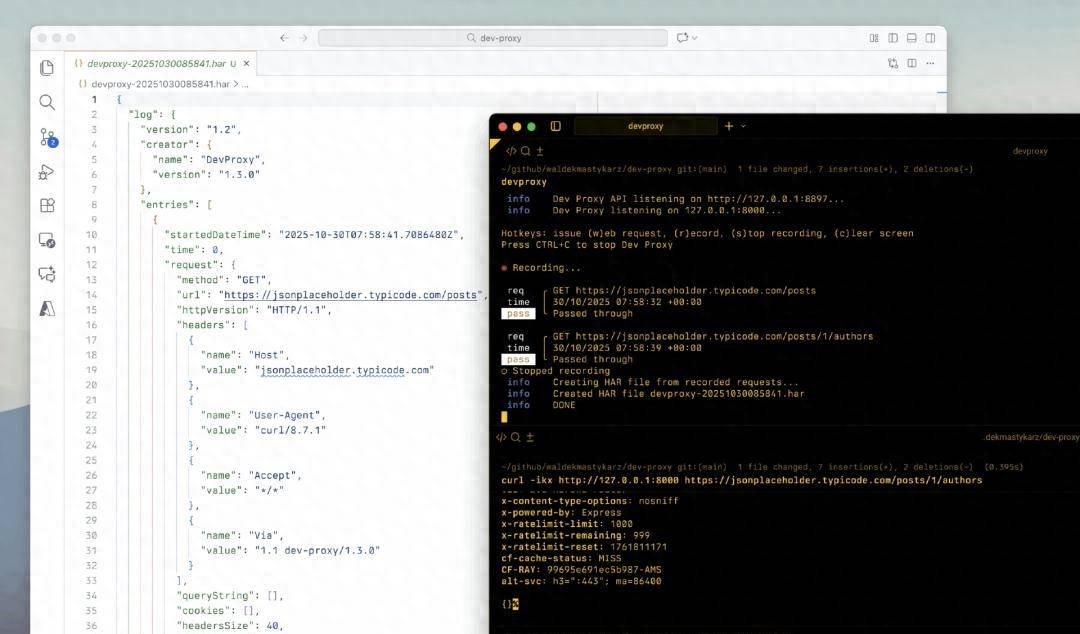
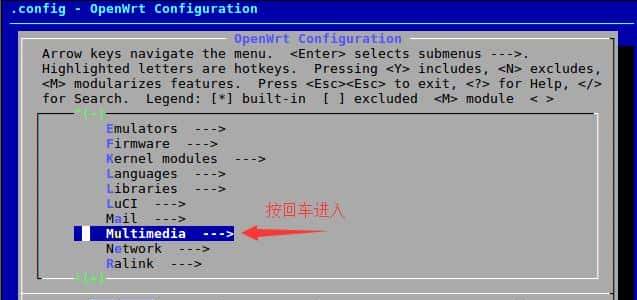
📸 截图 / Screenshots
如果有助于说明问题,请添加截图。
If helpful, please add screenshots.
🔗 相关链接 / Related Links
相关Issues / Related Issues:
如果有相关的issues,请链接。
参考资料 / References:
您查阅过的相关资料或文档。
✅ 检查清单 / Checklist
请确认您已经:
- 查阅了项目文档和README 搜索了现有的issues 提供了足够的上下文信息 描述了具体的使用场景 说明了已尝试的解决方法
To pick up a draggable item, press the space bar.
While dragging, use the arrow keys to move the item.
Press space again to drop the item in its new position, or press escape to cancel.
我们会尽快回复您的问题!
We will respond to your question as soon as possible!
💡 快速协助 / Quick Help
常见问题 / FAQ:
- 📖 项目文档
- 🐳 Docker部署指南
- 🚀 快速开始指南
- ⚙️ 配置说明
社区支持 / Community Support:
- 💬 GitHub Discussions
- 📧 邮箱: hsliup@163.com
© 版权声明
文章版权归作者所有,未经允许请勿转载。如内容涉嫌侵权,请在本页底部进入<联系我们>进行举报投诉!
THE END



















暂无评论内容